
Servers & access
Master Password
Understand the additional protection layer, device behavior, shield states, and recovery limits.
Master Password is an optional additional barrier for saved SSH passwords and private keys. It complements Standard protection; it does not make Standard protection “unsafe.”
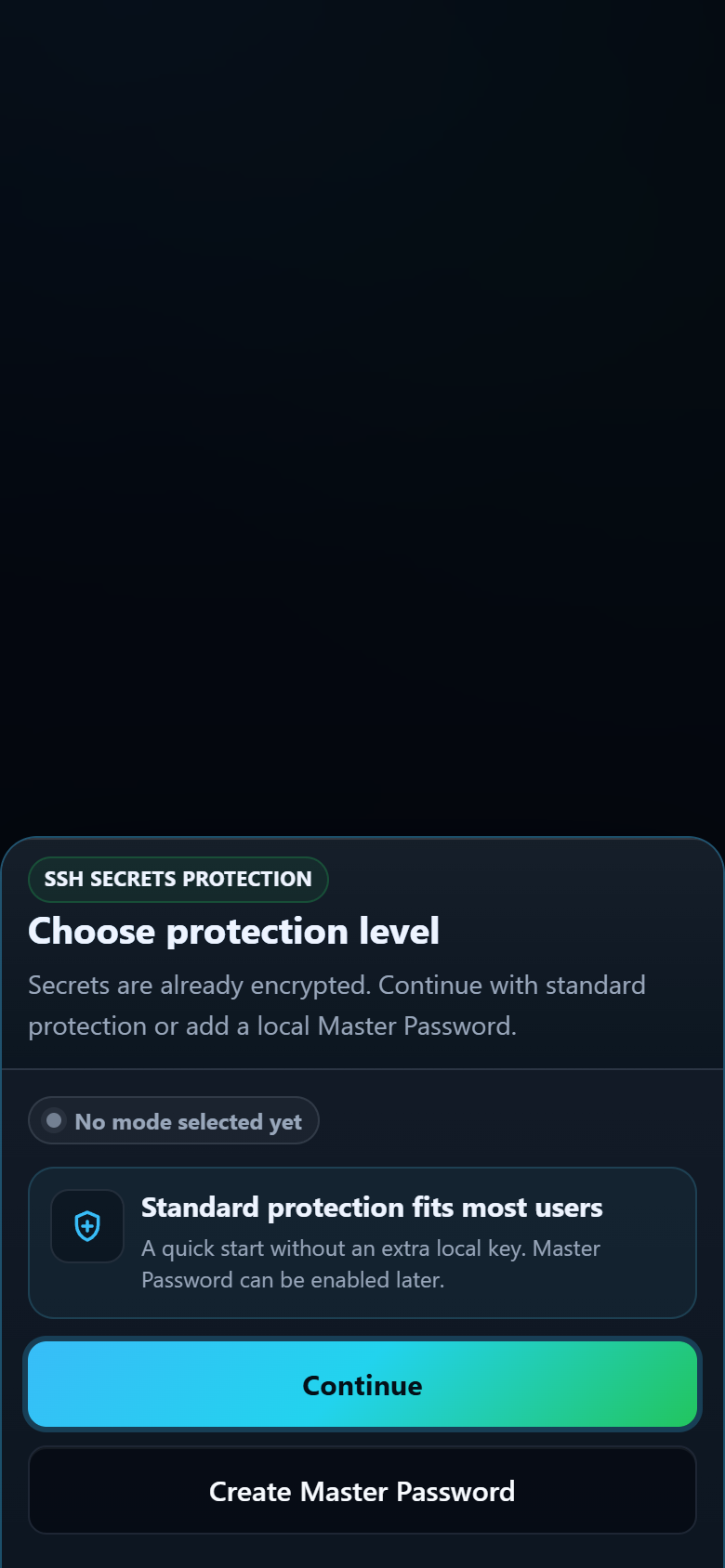
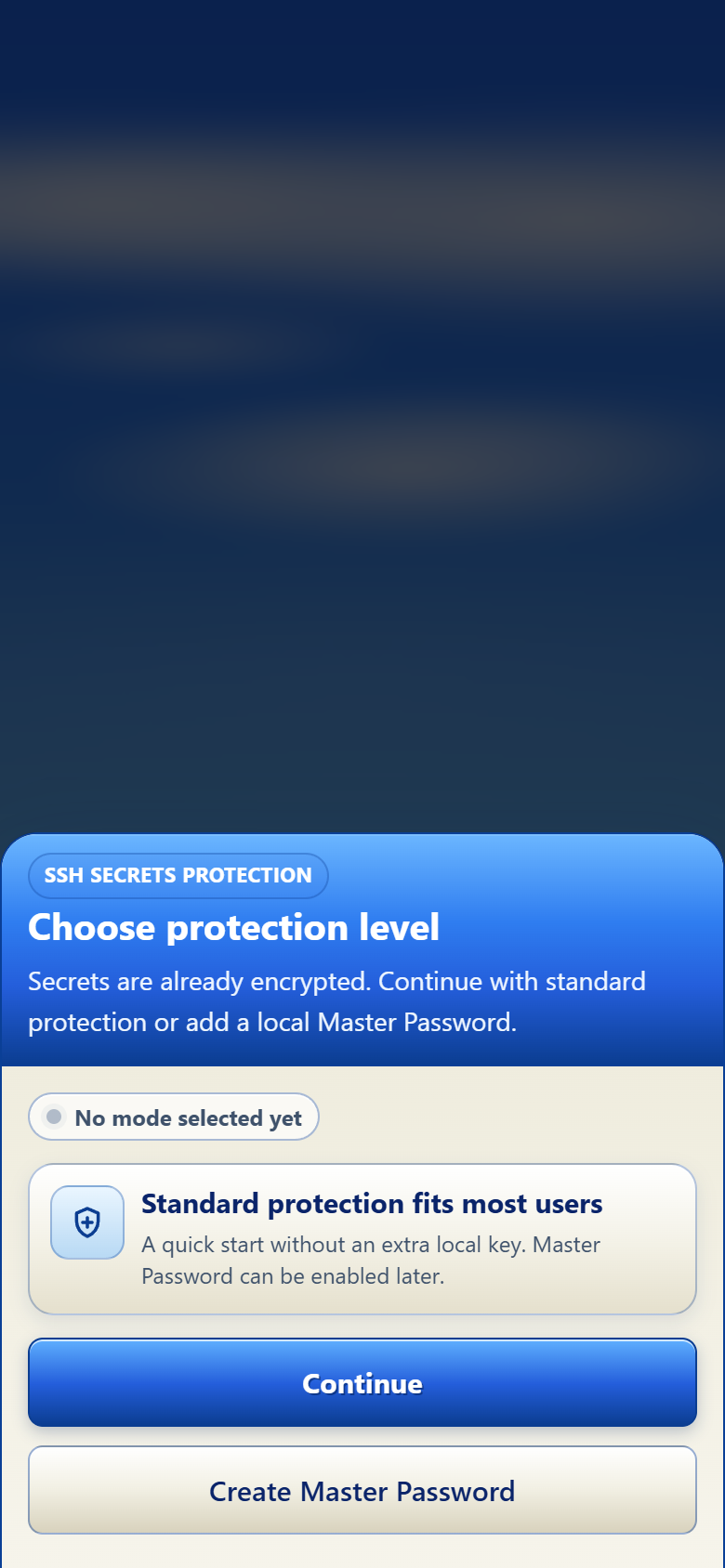
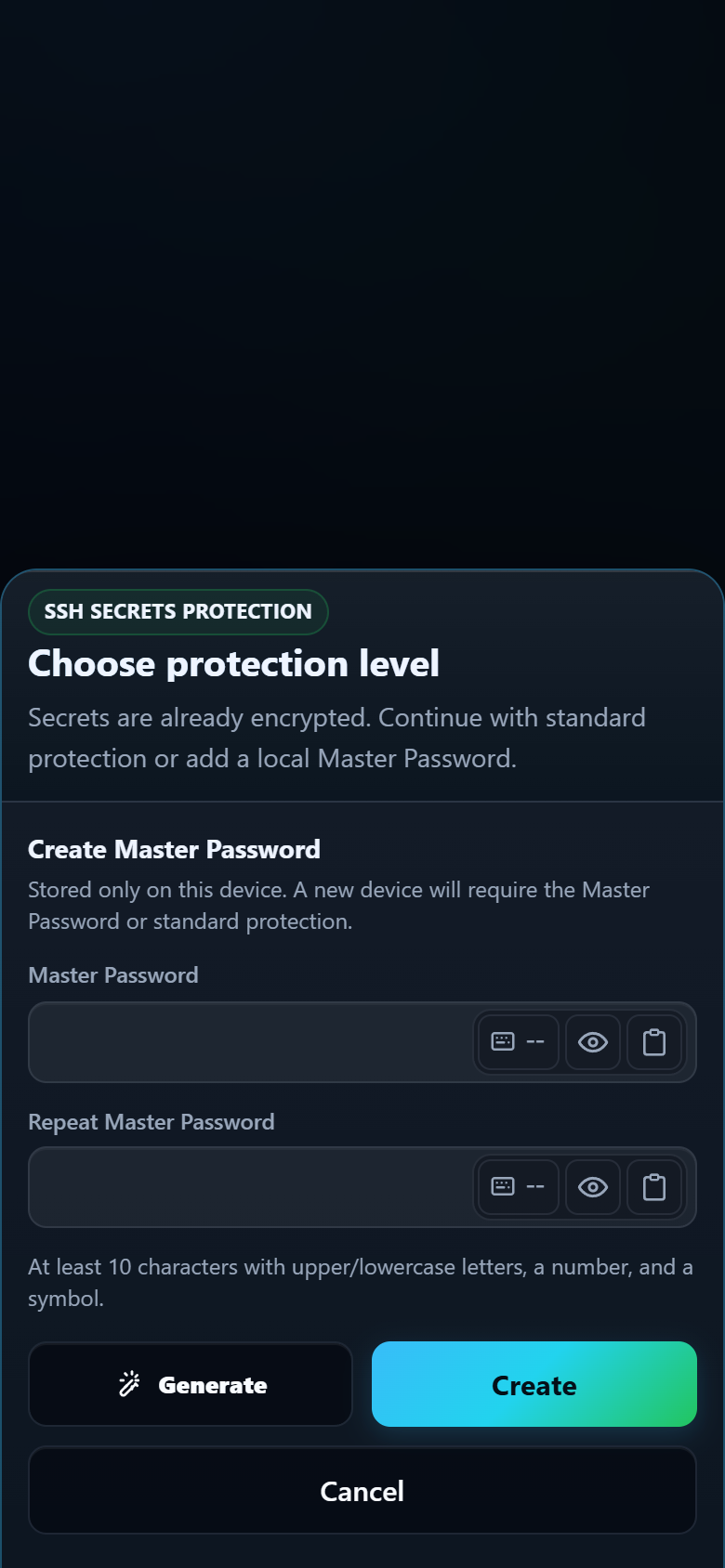
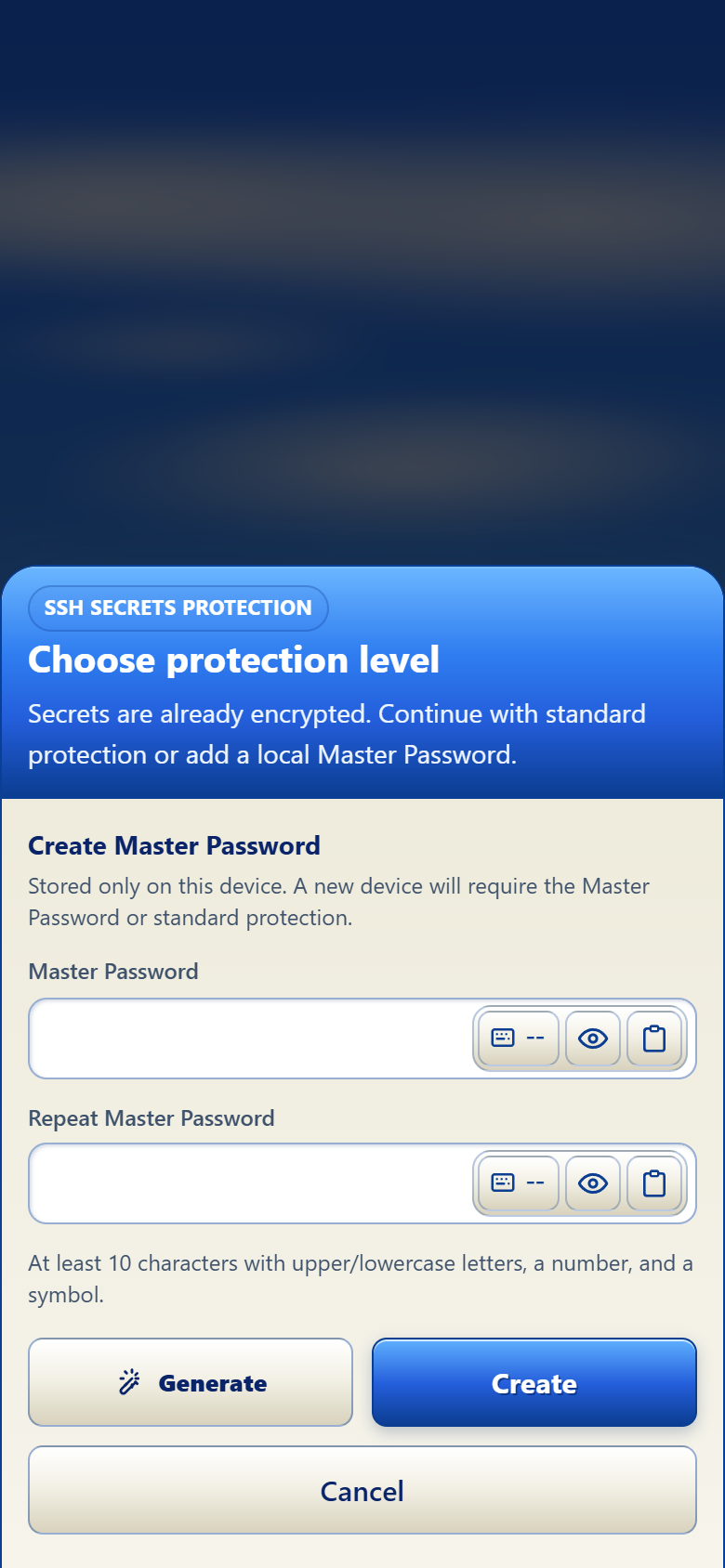
How it works
- Choose Master Password in the protection screen.
- Create and confirm a password you can remember without reusing an SSH credential.
- Save or re-save a server password or private key under Master Password protection.
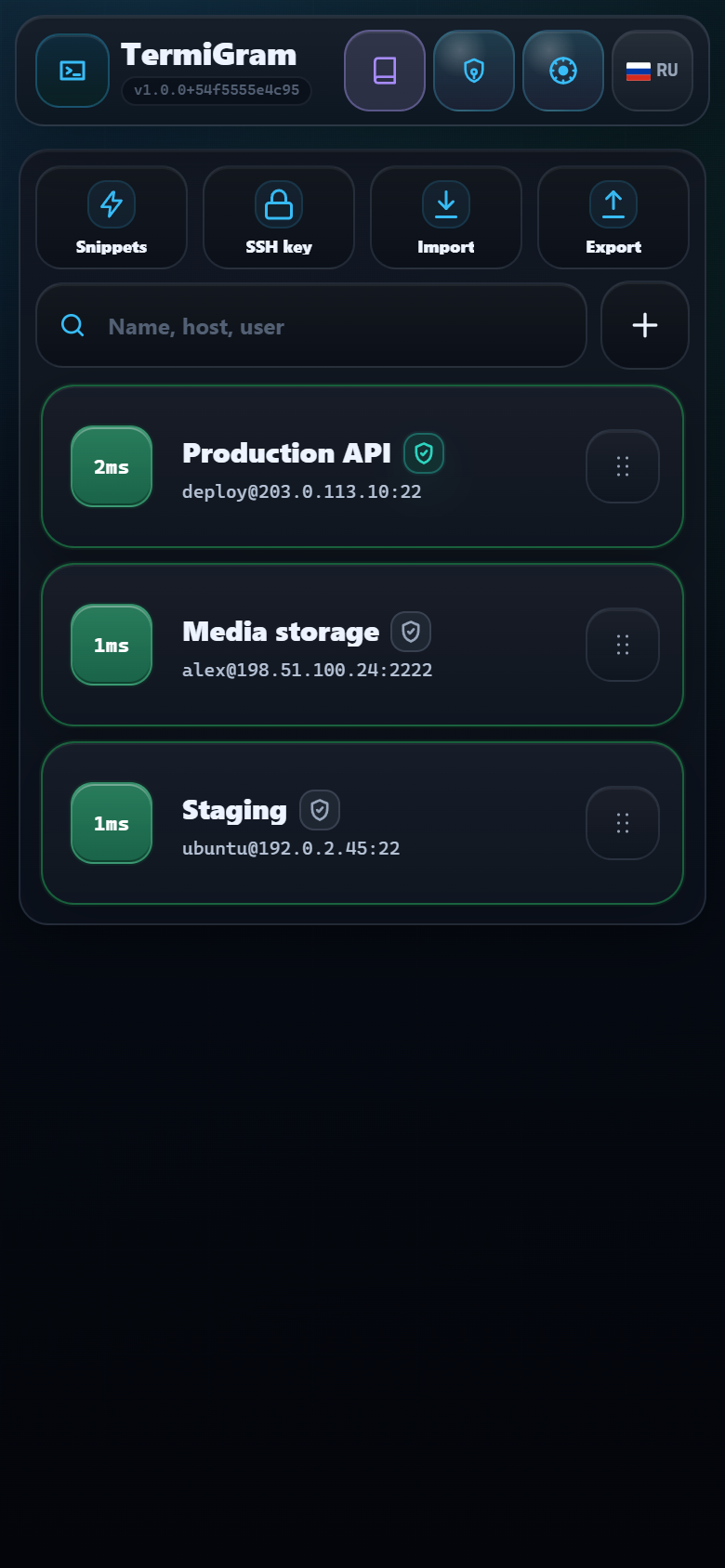
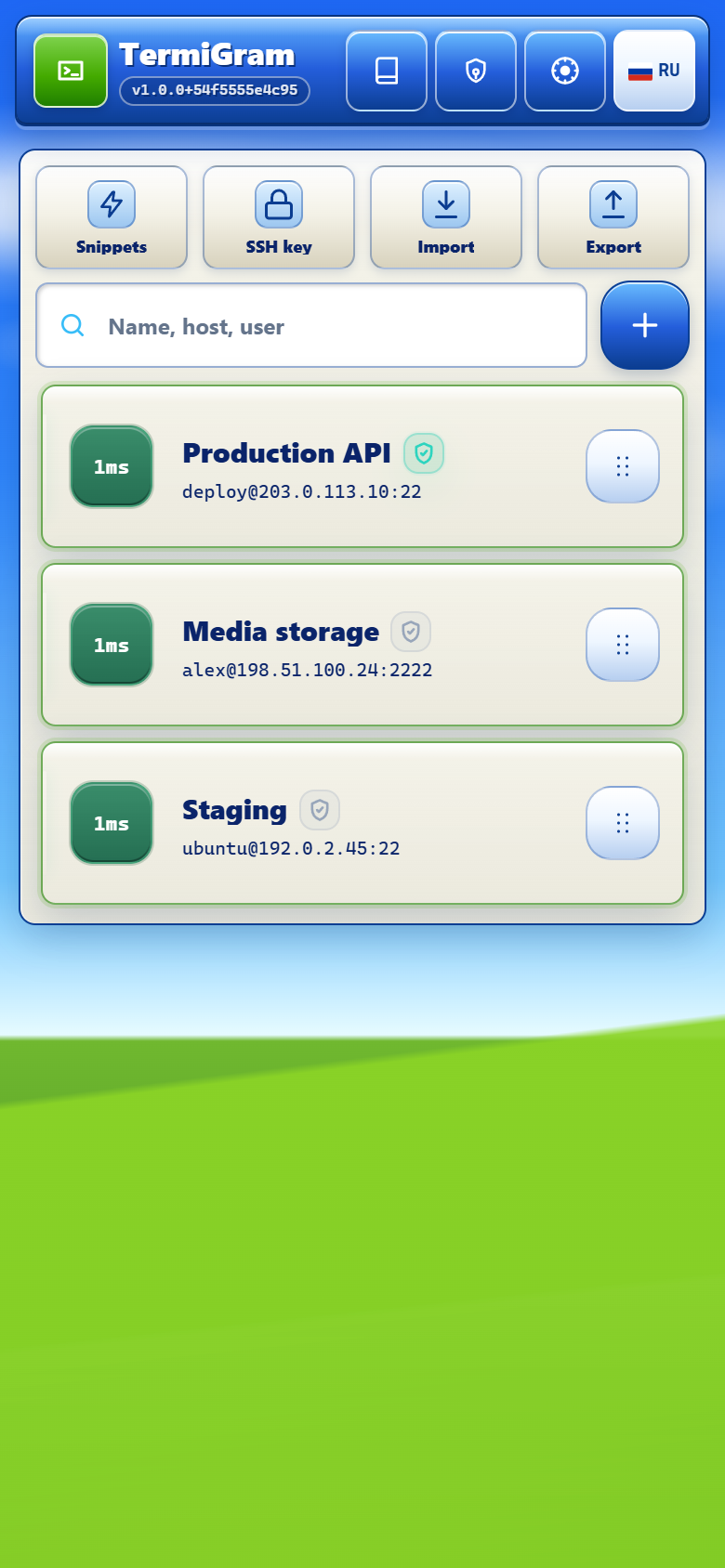
- Use the shield on the server card to confirm the current device state.
GrayStandard encrypted storage is active for this profile.
GreenThe Master Password-protected secret can be unlocked on this device.
RedThe protected secret is unavailable on this device and must be restored or re-saved.
What Master Password does not do
- It does not change the password configured on your SSH server.
- It does not bypass server authentication.
- It is not a recovery key that support can reveal later.
- It should not be described as universal end-to-end encryption for every TermiGram data field.
If you forget it
TermiGram support cannot recover the original Master Password. You may need to enter the server credential again and save a new protected copy. Keep an independent, secure recovery path for critical servers.
Do not use an SSH password as your Master Password
Use a unique value. Never send it to the AI assistant, support bot, or a human operator.