
Server profiles
Create, find, monitor, reorder, and manage saved server connections.
Server profiles keep the host, port, username, authentication method, and display label needed for repeat connections.
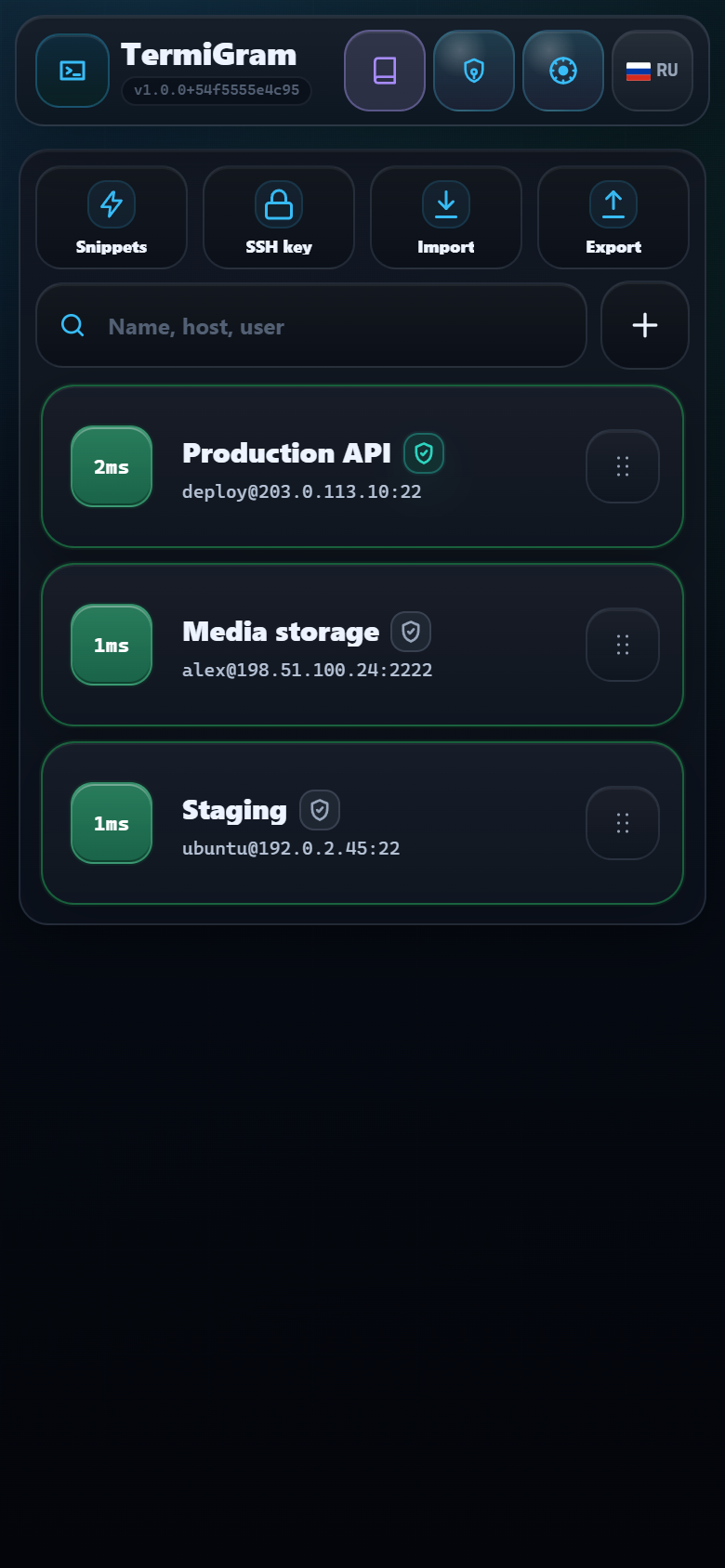
Read a server card
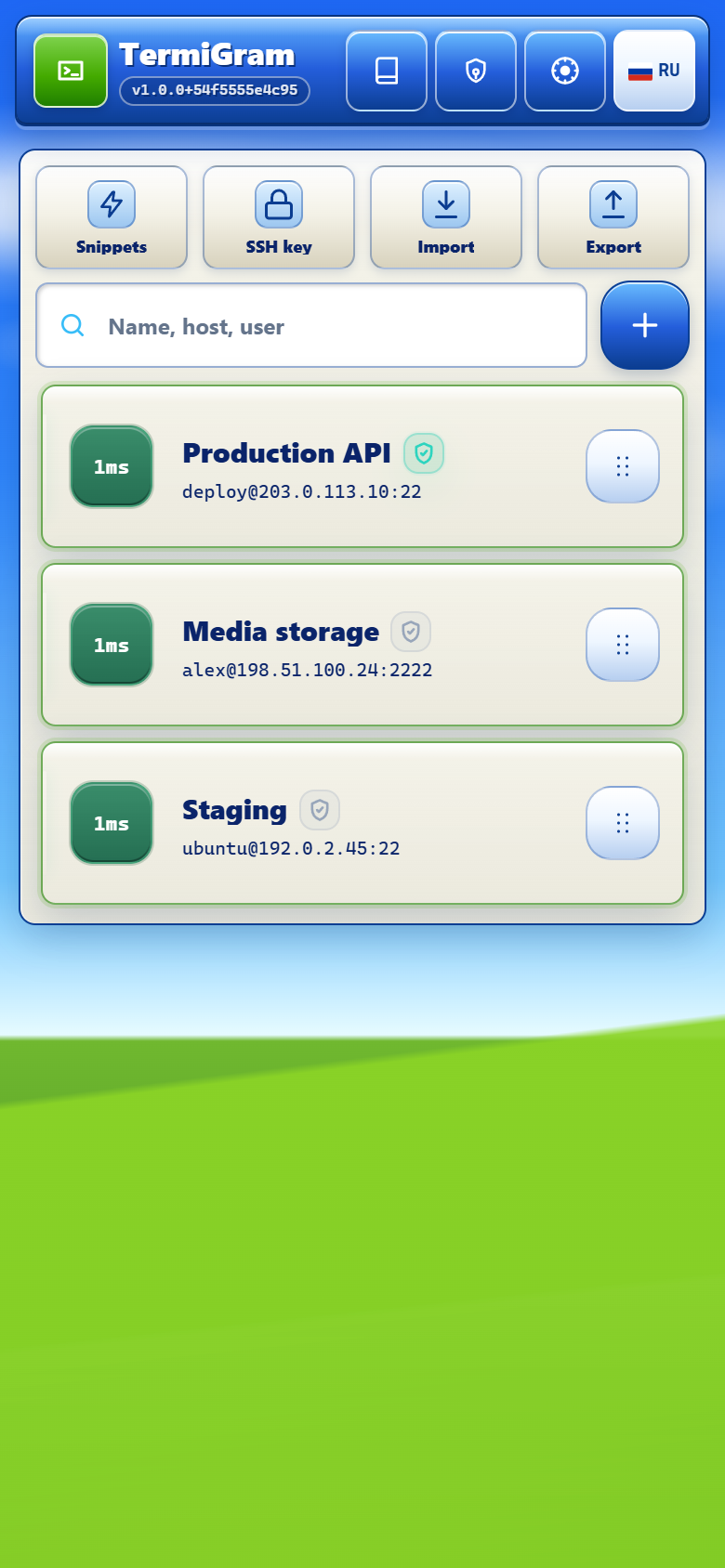
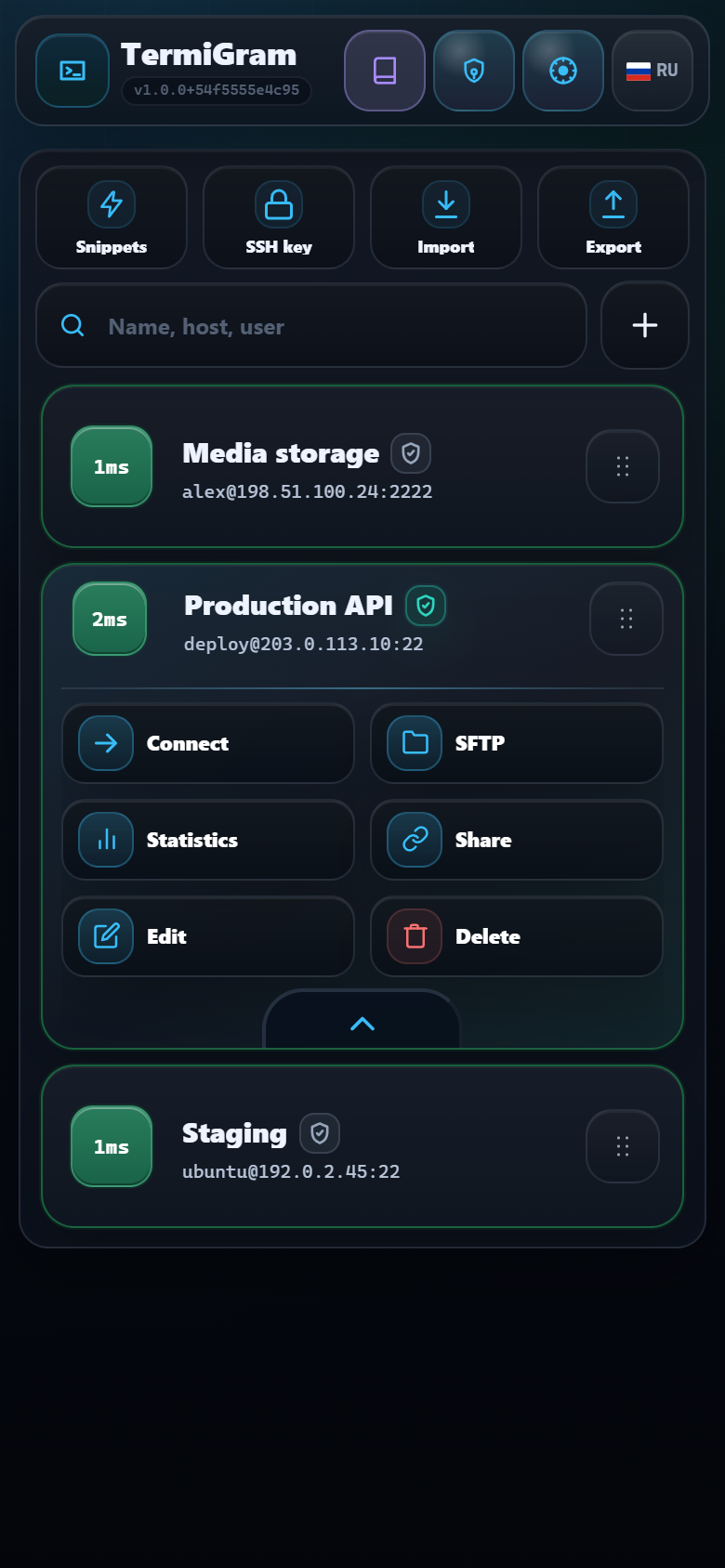
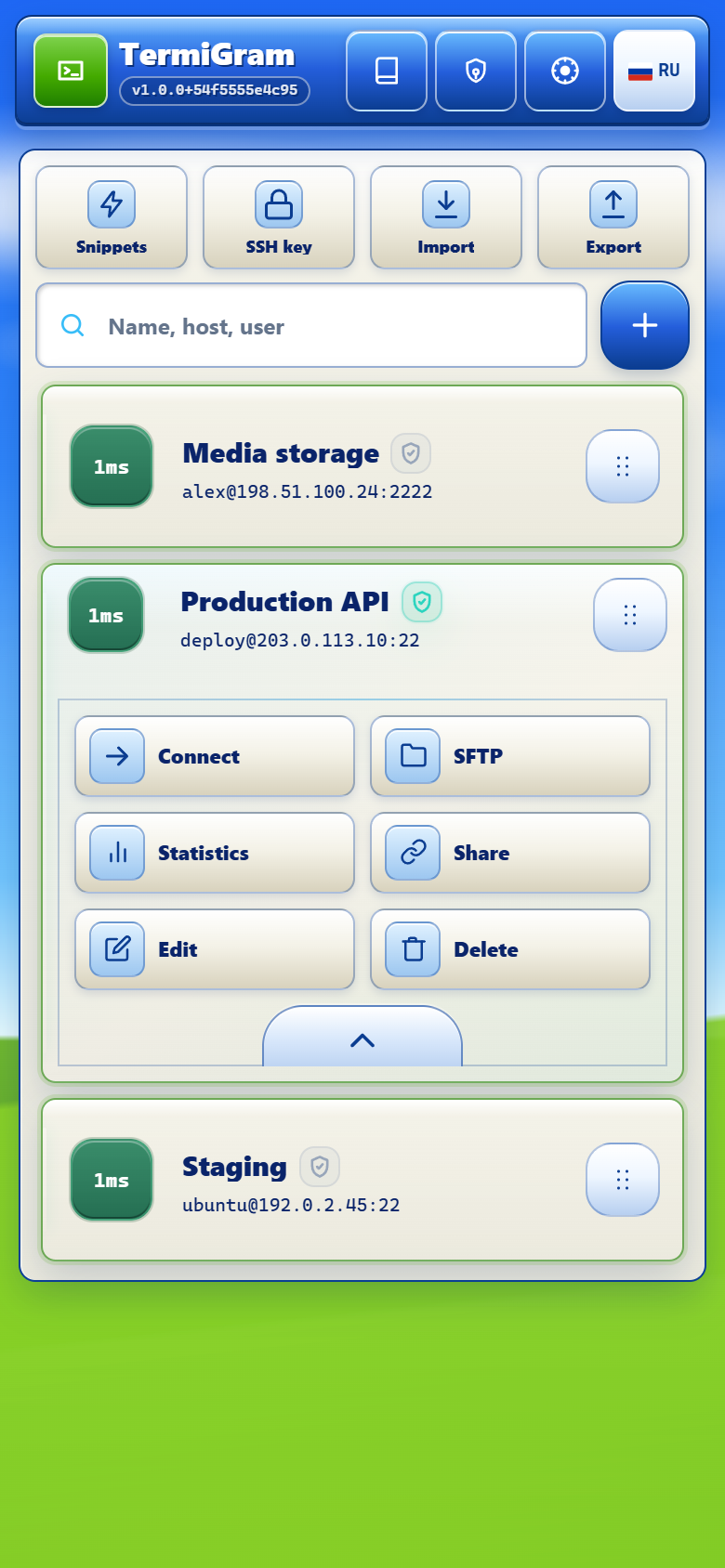
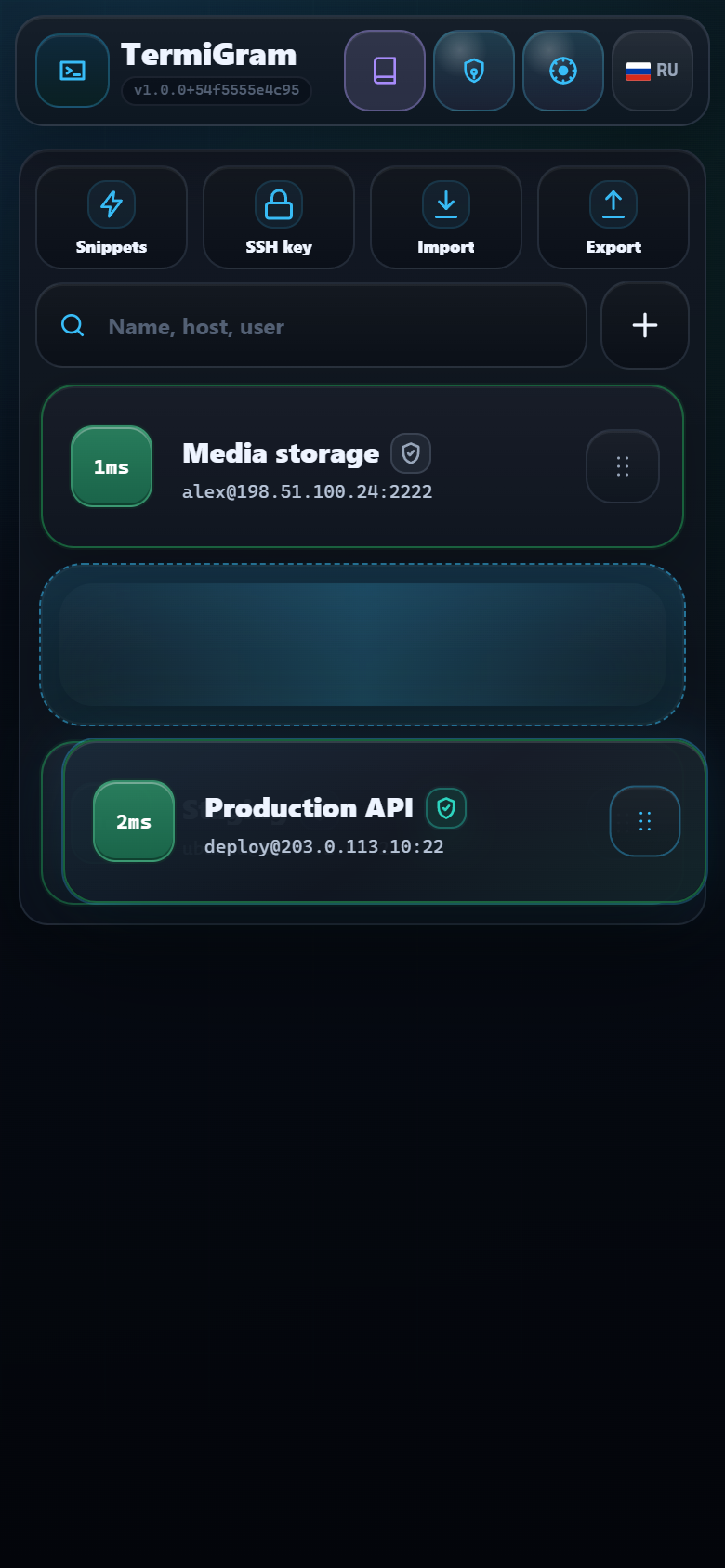
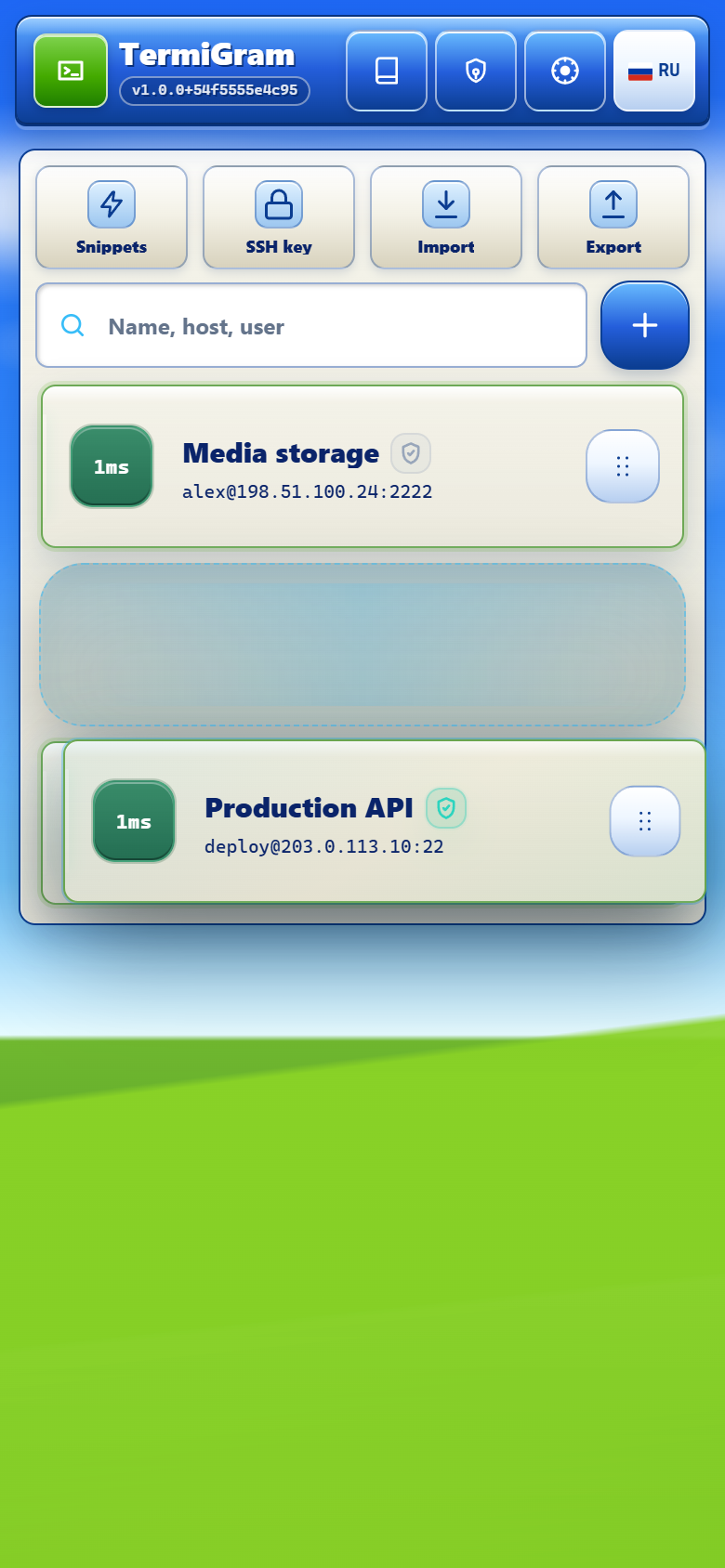
A card shows the profile label, connection target, live availability status, protection shield, and a grip on the right side. The action sheet includes:
- Connect for an SSH terminal.
- SFTP for the file manager.
- Statistics for saved connection activity.
- Share for Share Link settings.
- Edit and Delete for profile maintenance.
Reorder profiles
Press and drag a card by its right-side grip. During the gesture, TermiGram shows a floating card and a destination placeholder. Drop the card in its new position; the order is saved for your account.
Protection shields
Search and maintenance
Search matches the profile label, host, and username. Edit a profile when a port, username, authentication method, or credential changes. Delete only profiles you no longer need; active Full access copies held by other users are independent profiles and cannot be recalled by deleting yours.