
Share Links
Share a server profile through Telegram with Guest access or Full access controls.
Share Links open a controlled TermiGram import or delegated access flow through Telegram. They are tied to one server profile.
Guest access
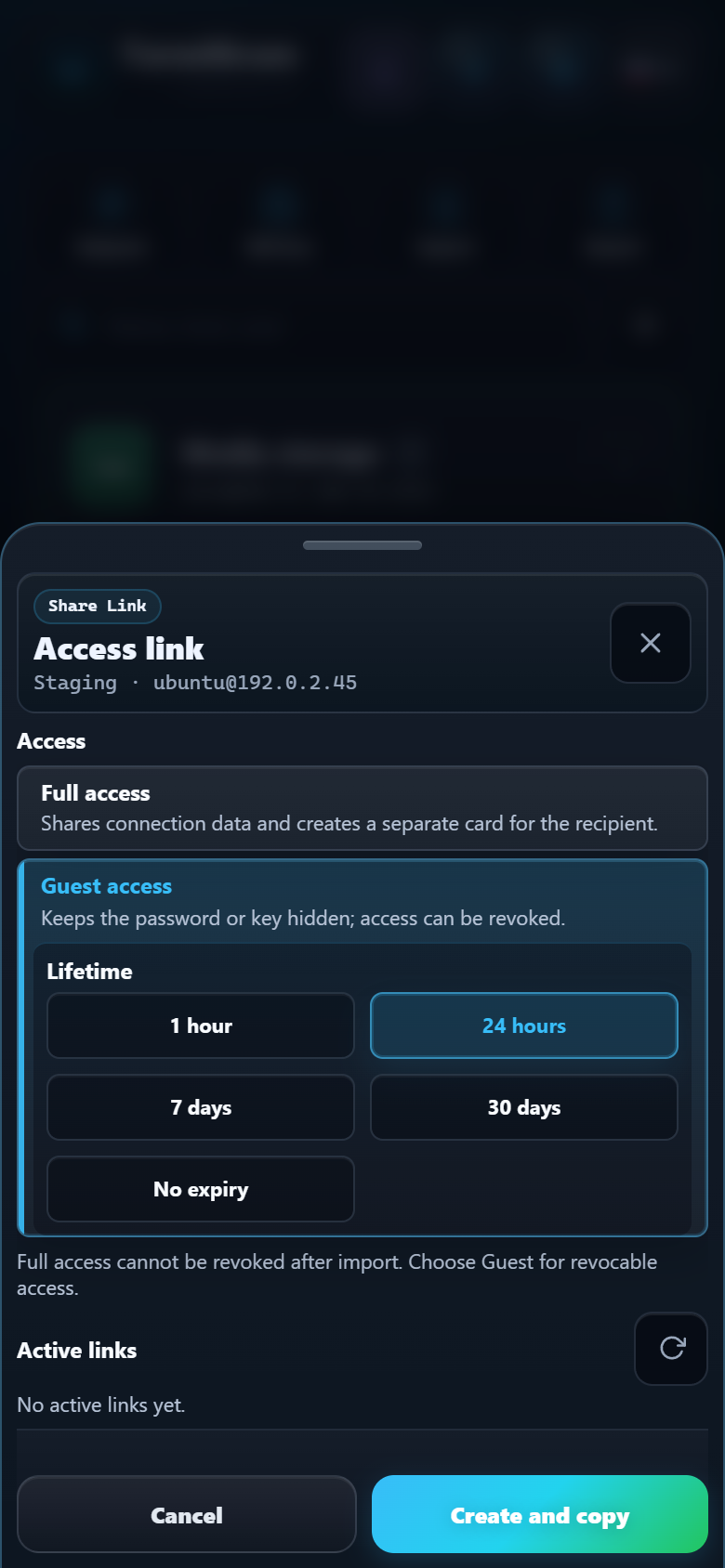
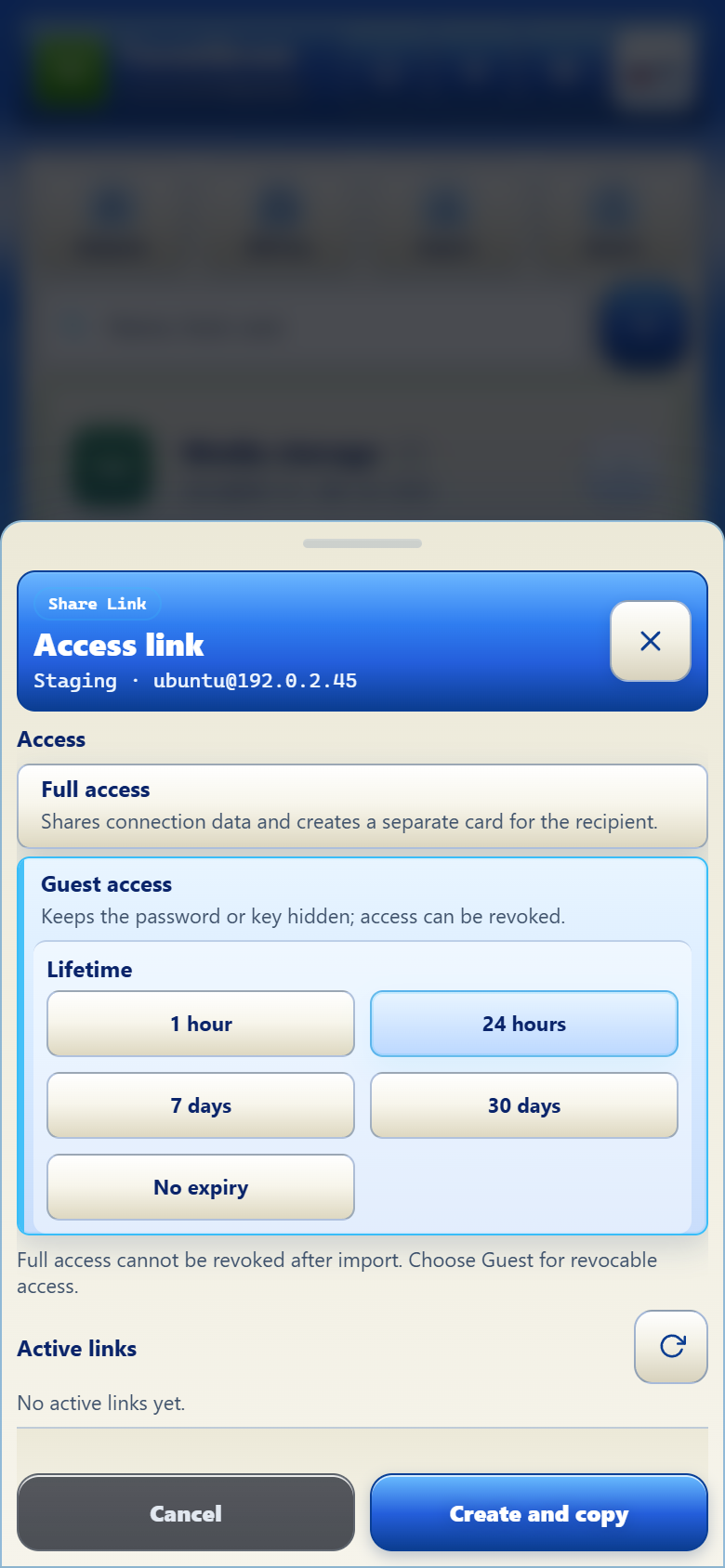
Guest access delegates the connection while the managed Share Link remains active. The recipient does not receive the stored password or private key as a visible value.
- Choose an expiry: 1 hour, 24 hours, 7 days, 30 days, or No expiration.
- Copy or send the Telegram link.
- Review active links.
- Extend or revoke access when needed.
TermiGram checks revocation and expiry whenever managed Guest access is used. Revoking the link also closes active guest connections managed by TermiGram. Revoke access as soon as it is no longer needed.
Full access
Full access creates an independent profile copy for the recipient, including connection data allowed by the flow. You can limit the number of activations, including one-time activation.
Full access cannot be recalled after import
Once the recipient has imported a Full access profile, revoking the original link does not delete their copied profile or credential. Use Guest access when revocability matters.
Master Password-protected profiles
A Master Password-protected profile can use Full access. Its Share Link carries the original encrypted tgmp1 envelope without removing protection; neither the bot nor the server sees or decrypts the password or private key.
The recipient sees a Master Password prompt on the first connection and must enter the owner's Master Password. Share it separately through a trusted channel; never send it together with the Share Link or post either value publicly.
Guest access cannot be created for a Master-protected credential. Guest mode keeps the secret on TermiGram Core, while Core deliberately cannot unlock a tgmp1 envelope. Use a separate Standard-protected profile when revocable Guest access is required.
Manage links from the bot
Open My Servers, choose a profile, then select Share Links. From there you can:
- Create one-time or reusable Full access links.
- Create Guest access for 1 hour, 24 hours, 7 days, 30 days, or without expiry.
- Copy an active link.
- Revoke one link after confirmation.
- Revoke all active links for the profile after confirmation.
Profiles without a saved password or SSH key cannot create an access link. Open the profile in TermiGram and save the credential after a successful connection first.
Share safely
- Verify the recipient before sending the link.
- Use the shortest practical expiry.
- Prefer Guest access for contractors, incident response, or temporary help.
- Review active links after the task.
- Never post a Share Link in a public channel.