
SSH + SFTP IN TELEGRAM
Your server tools, where your team already works.
TermiGram combines a real SSH terminal, SFTP file manager, reusable server profiles, command snippets, controlled Share Links, and AI assistance inside Telegram.
What TermiGram includes
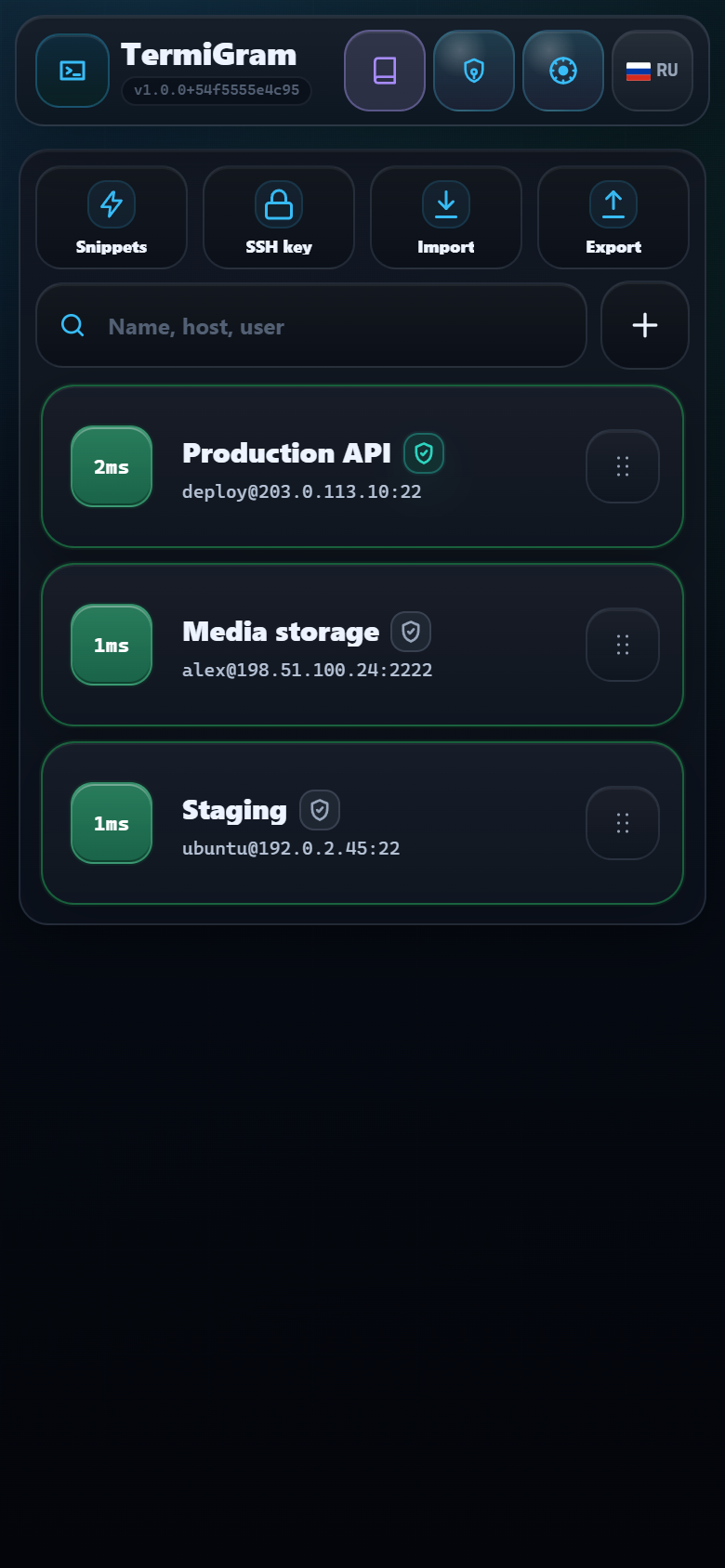
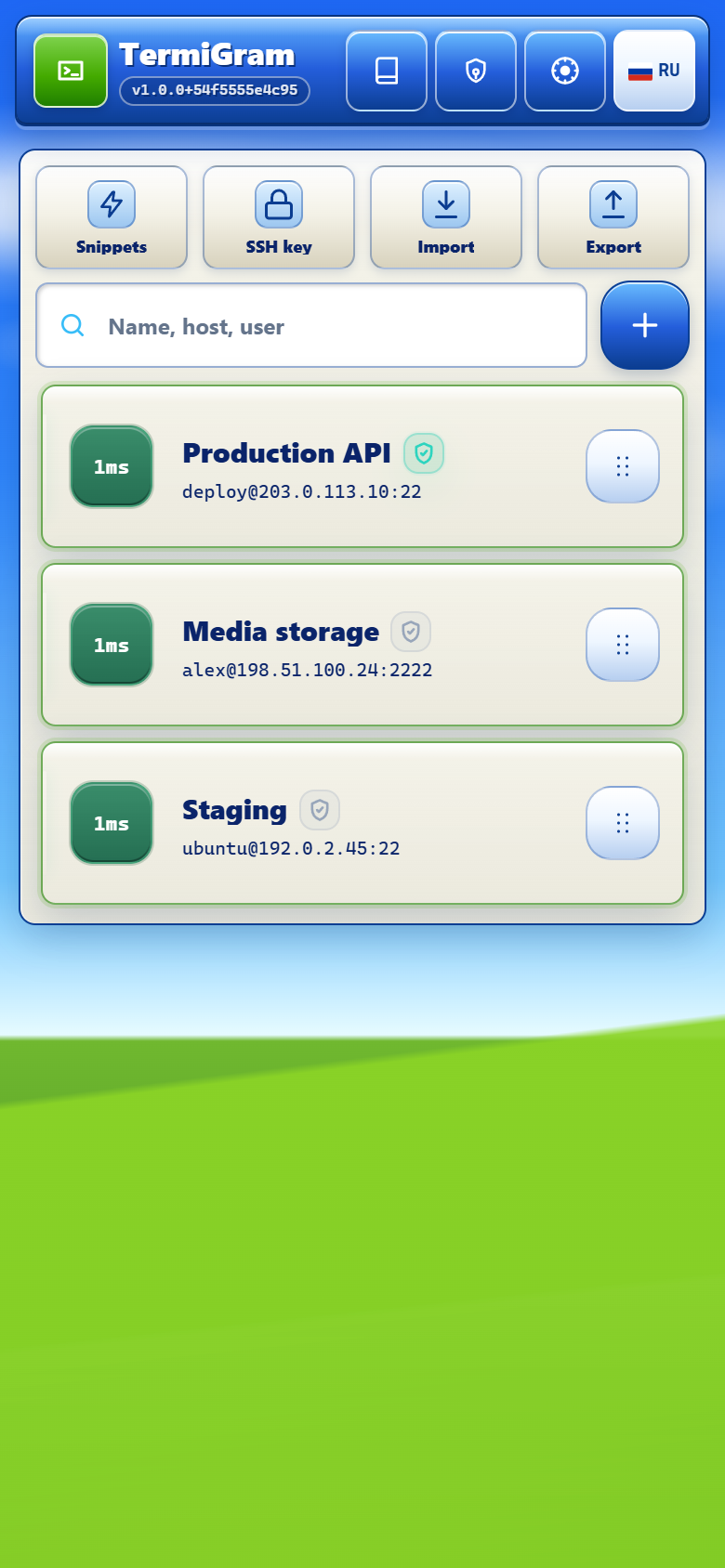
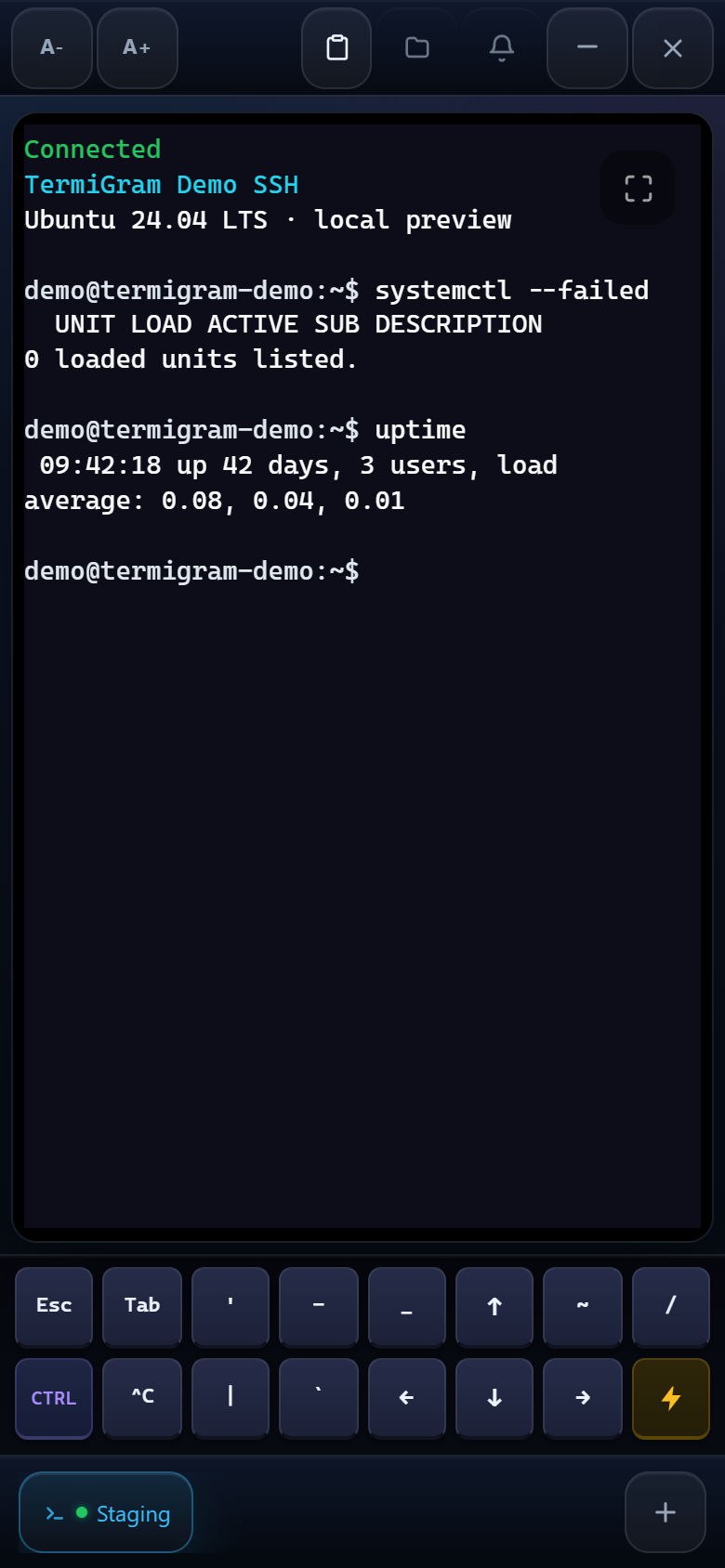
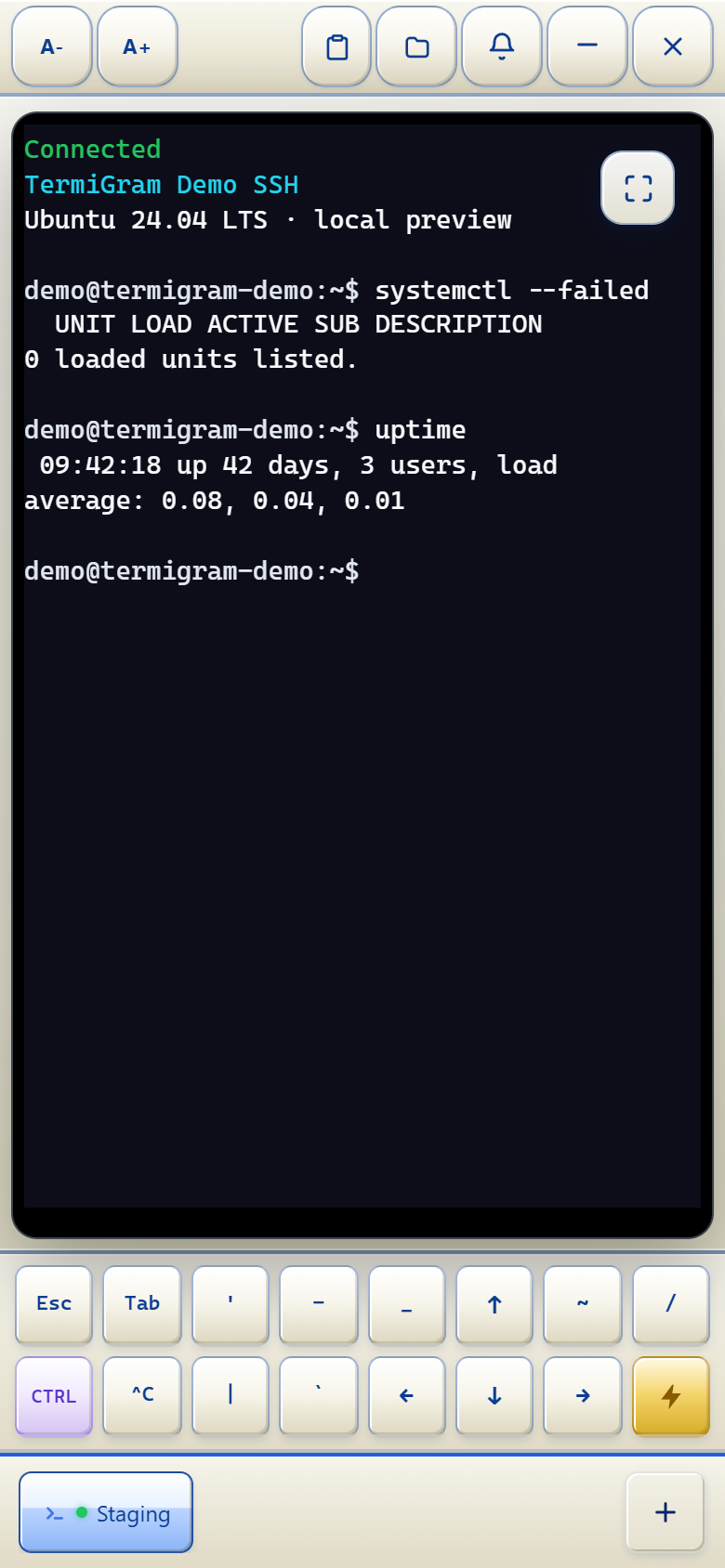
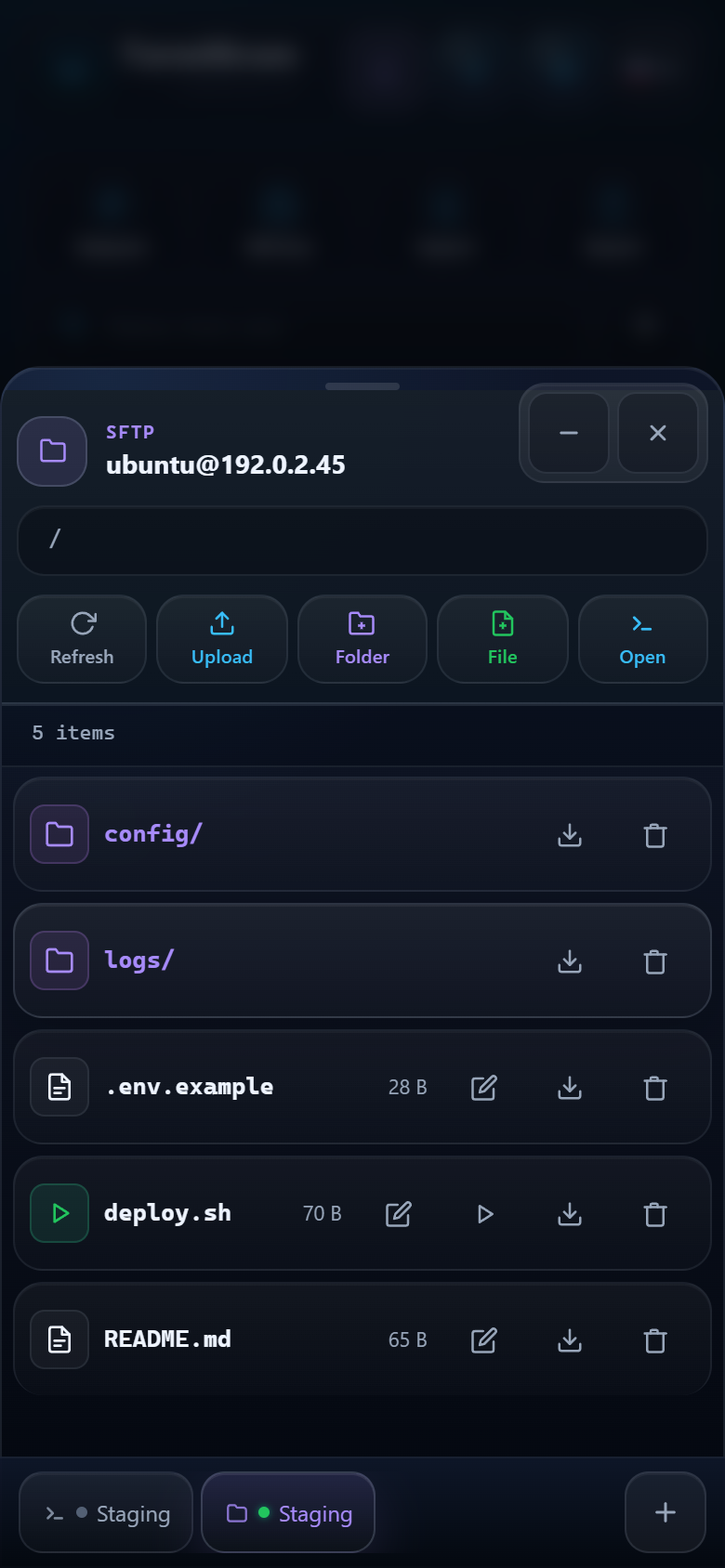
SSH terminalUse real interactive shell sessions with tabs, mobile keys, clipboard controls, and notifications.SFTP file managerBrowse, upload, download, edit, rename, run, and remove files without leaving Telegram.Server profilesKeep connection profiles organized, check status, and drag cards into the order you need.Command snippetsRun saved commands in the active terminal and maintain your own reusable command library.Share LinksChoose revocable Guest access or a Full access copy with clear limits and expiry controls.Master PasswordAdd a device-side protection layer for saved passwords and private keys.SSH keys and importGenerate keys, use existing credentials, parse SSH config, and move profiles carefully.AI assistantAsk practical questions about TermiGram, SSH, Linux, and terminal workflows.AI-first supportStart with guided diagnosis and move to a human support conversation when needed.
The product flow
- Open @TermiGram_Robot and launch the Web App.
- Choose Standard protection or create a Master Password.
- Add or import a server profile.
- Connect to SSH or open SFTP.
- Use snippets, Share Links, AI assistance, or support when the task calls for it.
Built for real work, not a terminal mockup
The Web App opens actual SSH and SFTP sessions. TermiGram does not make an unreachable server available, bypass server authentication, or replace your server-side security policy.
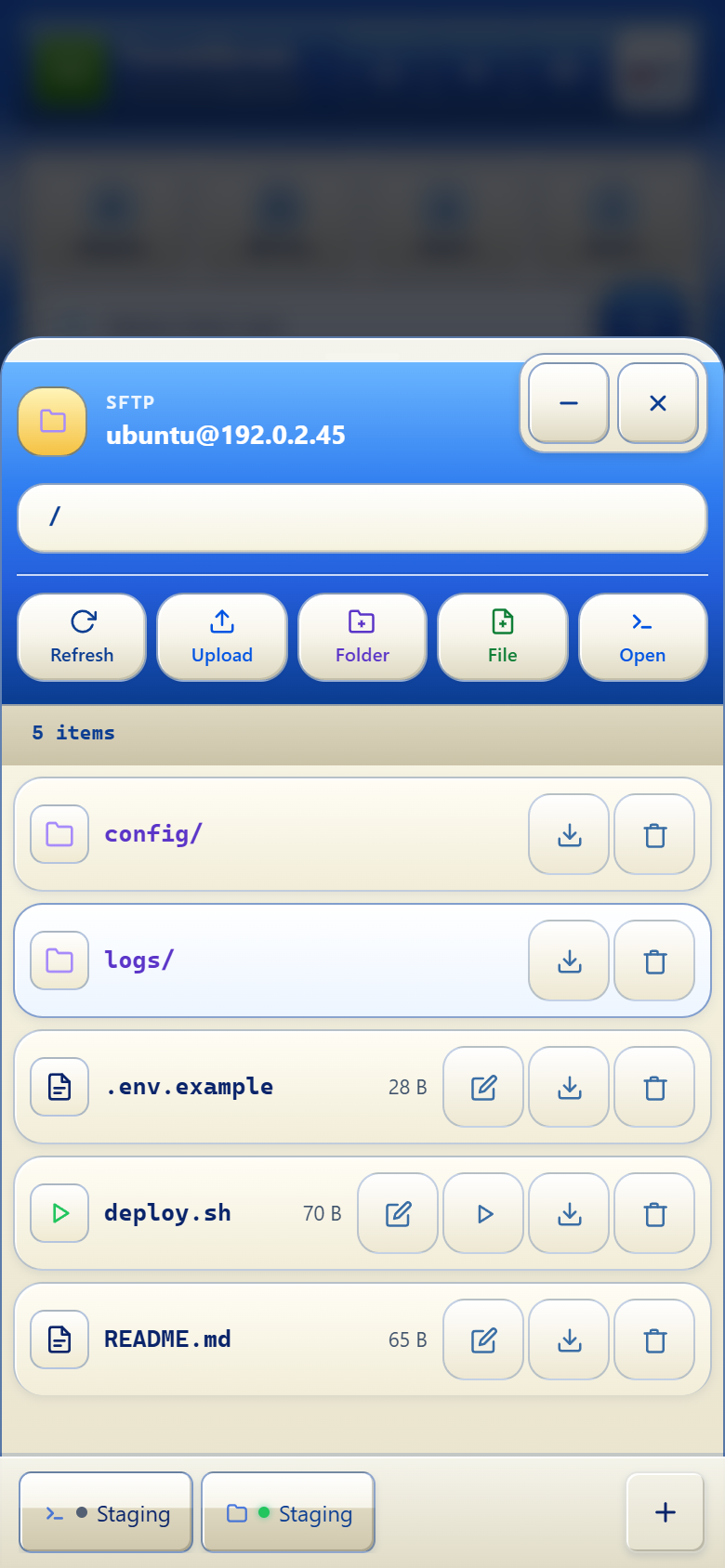
See the real interface
Documentation freshness
This knowledge base is reviewed alongside meaningful product changes. User-visible additions are recorded on the Updates page, while Security and privacy explains the boundaries that matter when using the product.