
Terminal & files
SFTP file manager
Browse directories and work with remote files through the TermiGram SFTP interface.
SFTP gives you a visual file workflow over the same SSH connection model used by TermiGram.
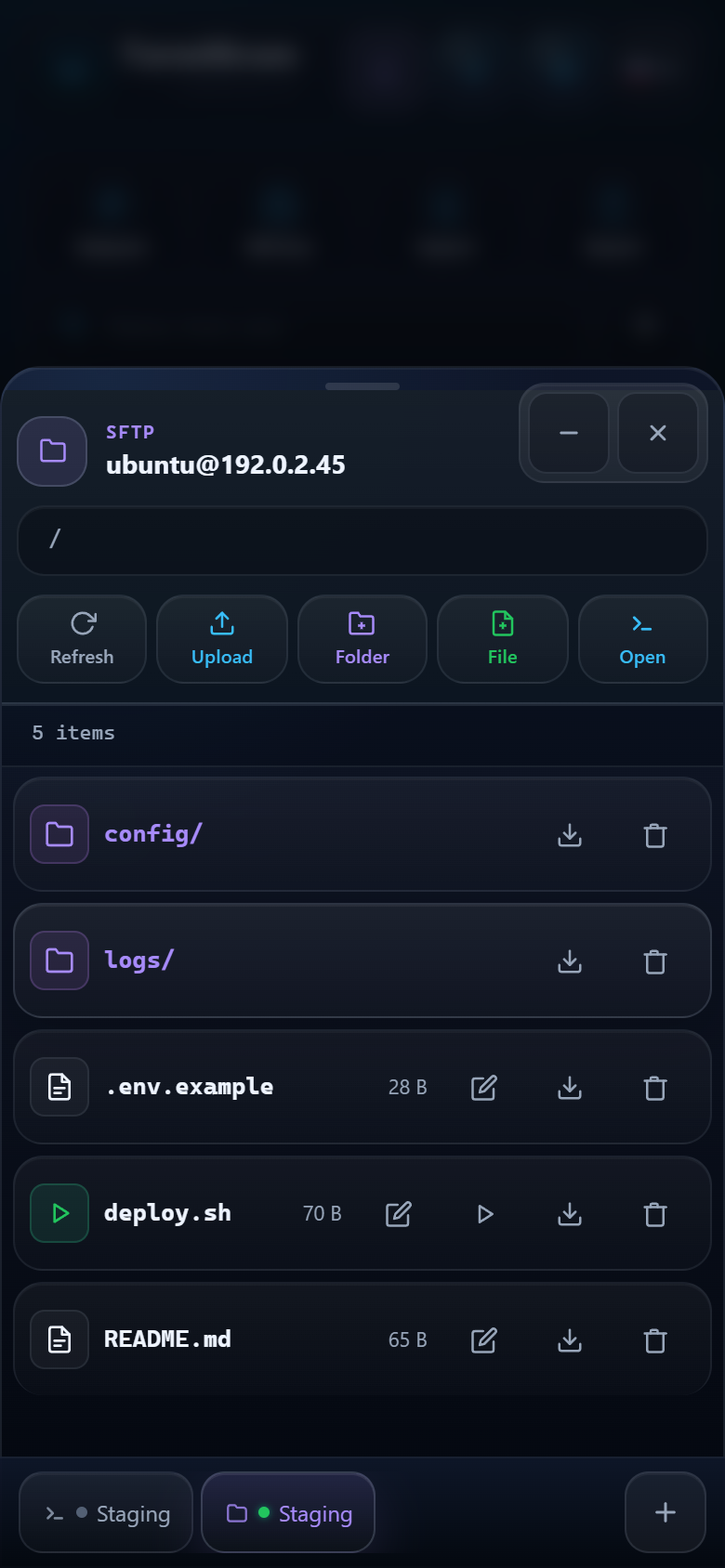
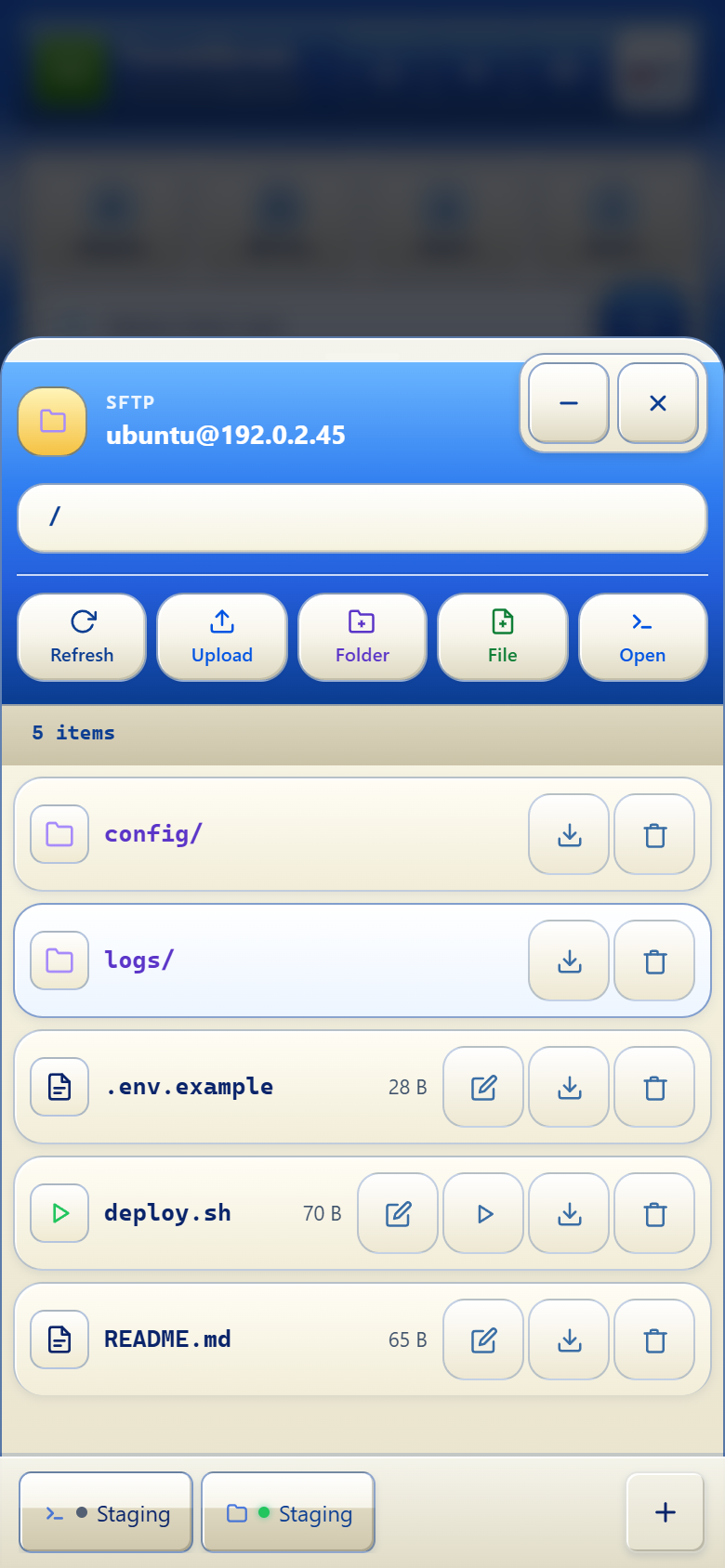
Available actions
- Navigate folders with the path and breadcrumbs.
- Upload and download files.
- Create a directory or a text file.
- Rename and delete files or folders.
- Open file information and update permissions when supported.
- Edit small text files in the built-in editor.
- Run an executable action when the selected file and server permissions allow it.
- Open the current path in a terminal session.
Editing files safely
- Download or copy important configuration before editing.
- Make one focused change.
- Save and verify the file contents.
- Validate the related service before reloading or restarting it.
SFTP actions use your server permissions
TermiGram does not add permissions that the SSH account does not have. Deleting or overwriting a remote file can be irreversible.
Large files and unstable networks
Keep Telegram open while a transfer is active. For very large files or a weak connection, prefer a server-side transfer workflow and verify checksums after completion.