
Terminal & files
Command snippets
Save, run, edit, delete, and reorder reusable terminal commands.
Snippets reduce repeated typing for commands you use often. TermiGram provides localized default labels and keeps the command text unchanged.
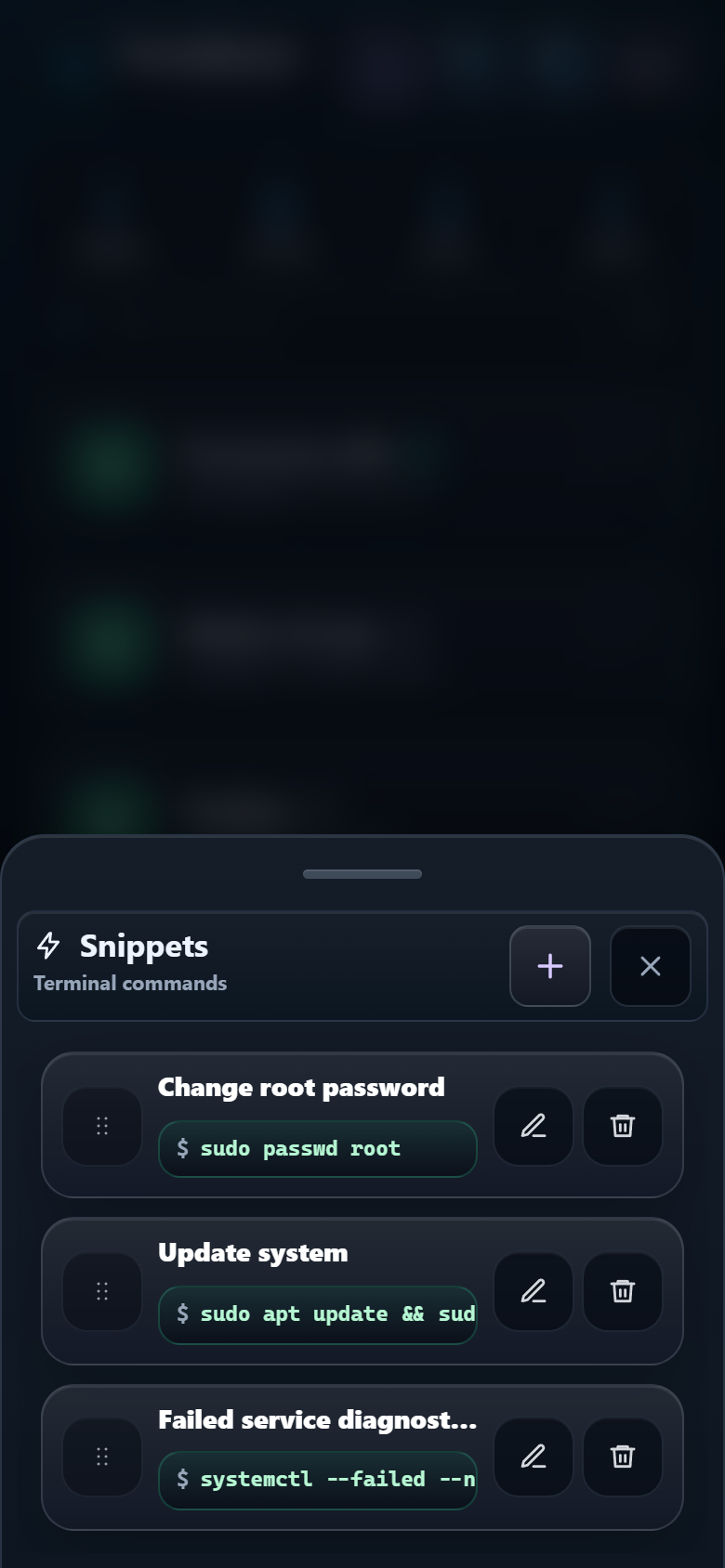
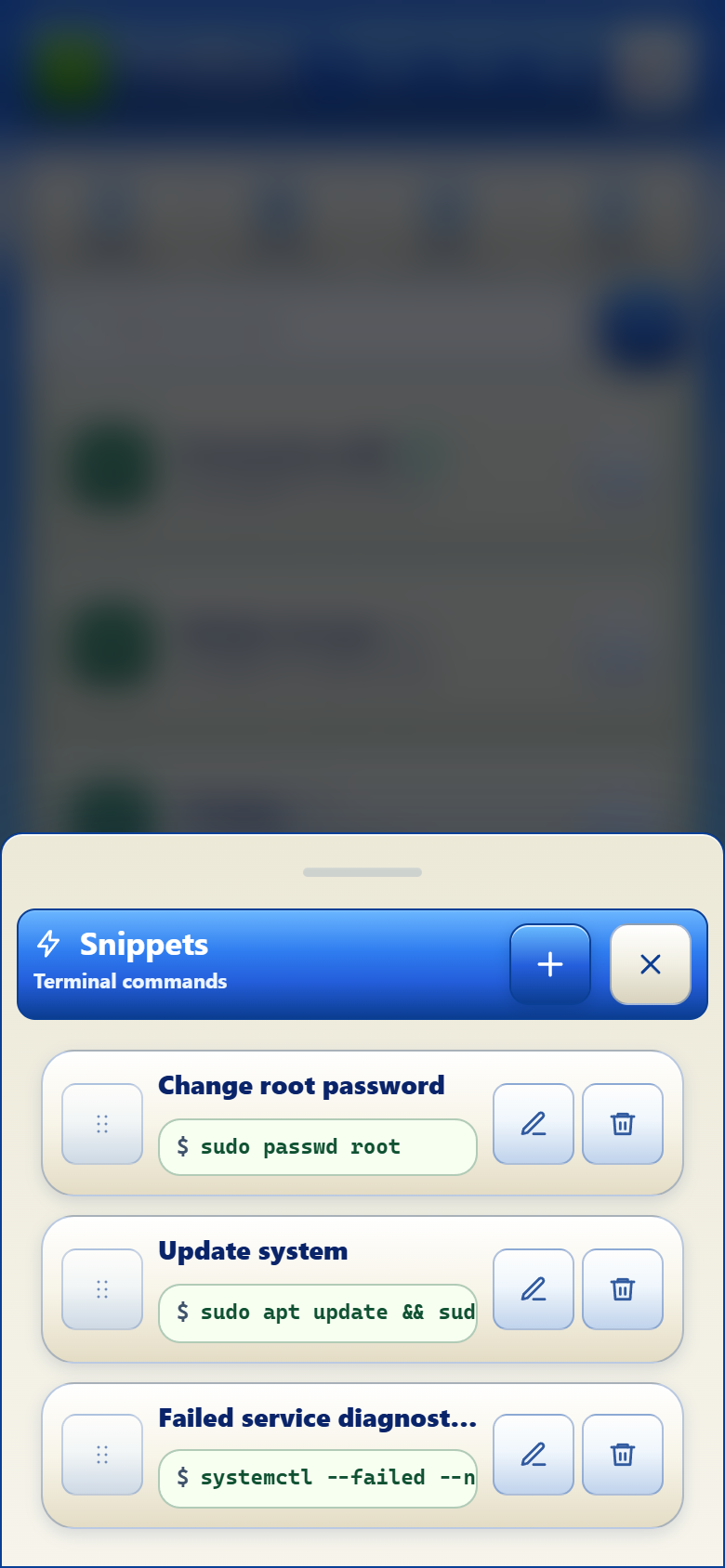
Use a snippet
- Open a connected terminal tab.
- Open Snippets.
- Read the command and confirm that the active server is correct.
- Tap the snippet to send it to the active session.
Maintain your library
- Add a clear label and one focused command.
- Edit a snippet when paths, service names, or flags change.
- Drag snippets to keep the most useful items near the top.
- Delete obsolete commands instead of leaving unsafe examples available.
Good read-only examples include:
df -h
systemctl --failed
journalctl -p err -n 50 --no-pager
A snippet is not a safety boundary
Commands run with the privileges of the connected SSH account. Avoid storing destructive commands, secrets, or environment values in snippets.