
SSH terminal
Use interactive SSH sessions, tabs, mobile keys, clipboard tools, snippets, and notifications.
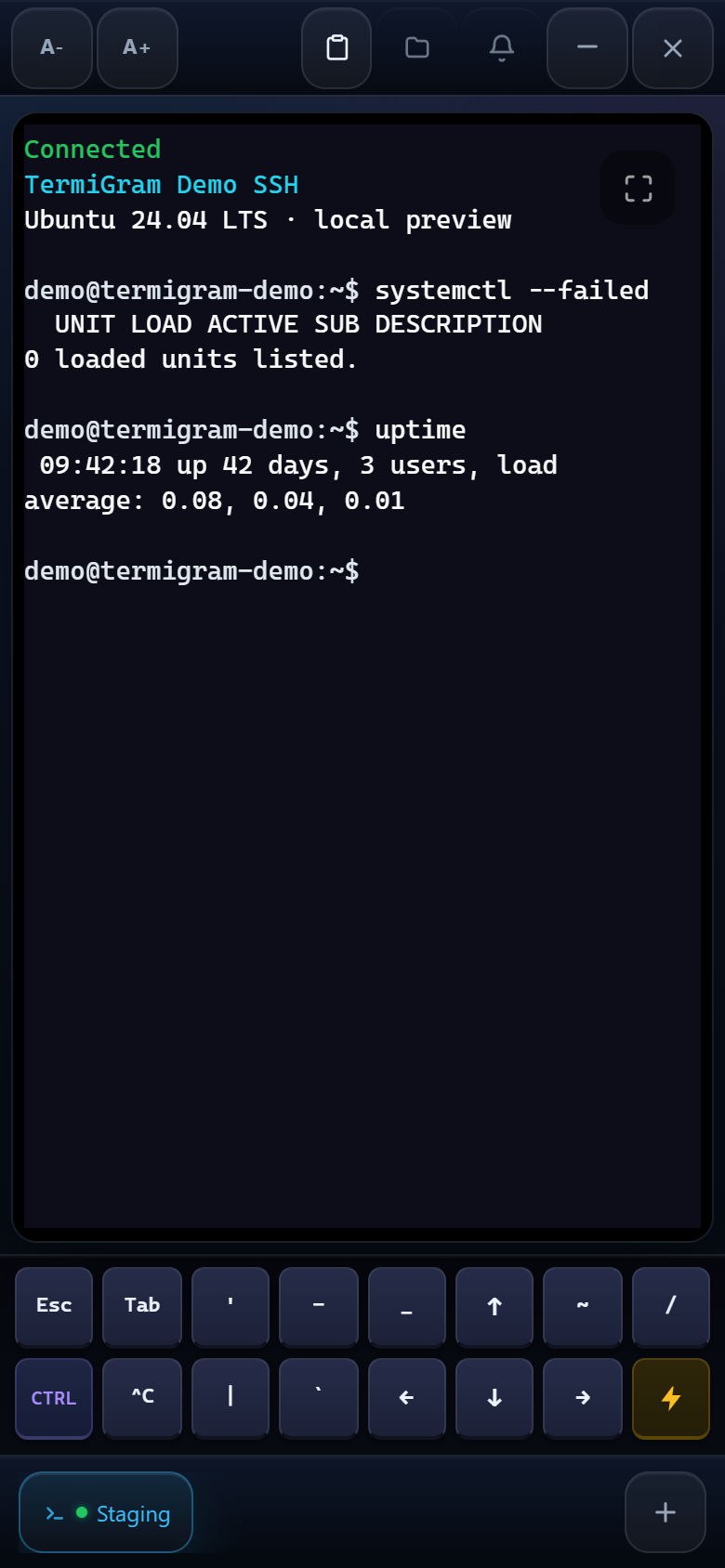
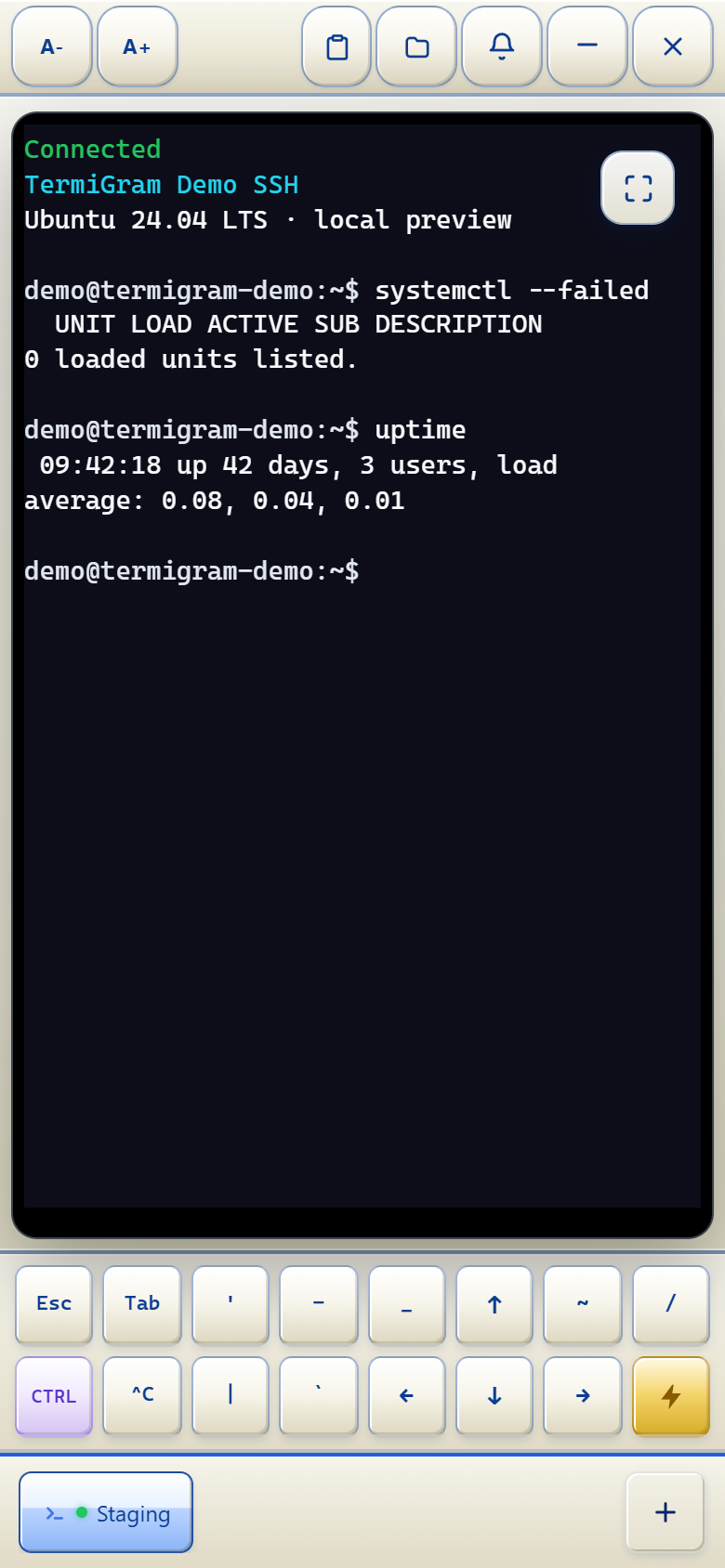
The TermiGram terminal is a real interactive SSH shell inside the Telegram Web App.
Terminal and SFTP windows
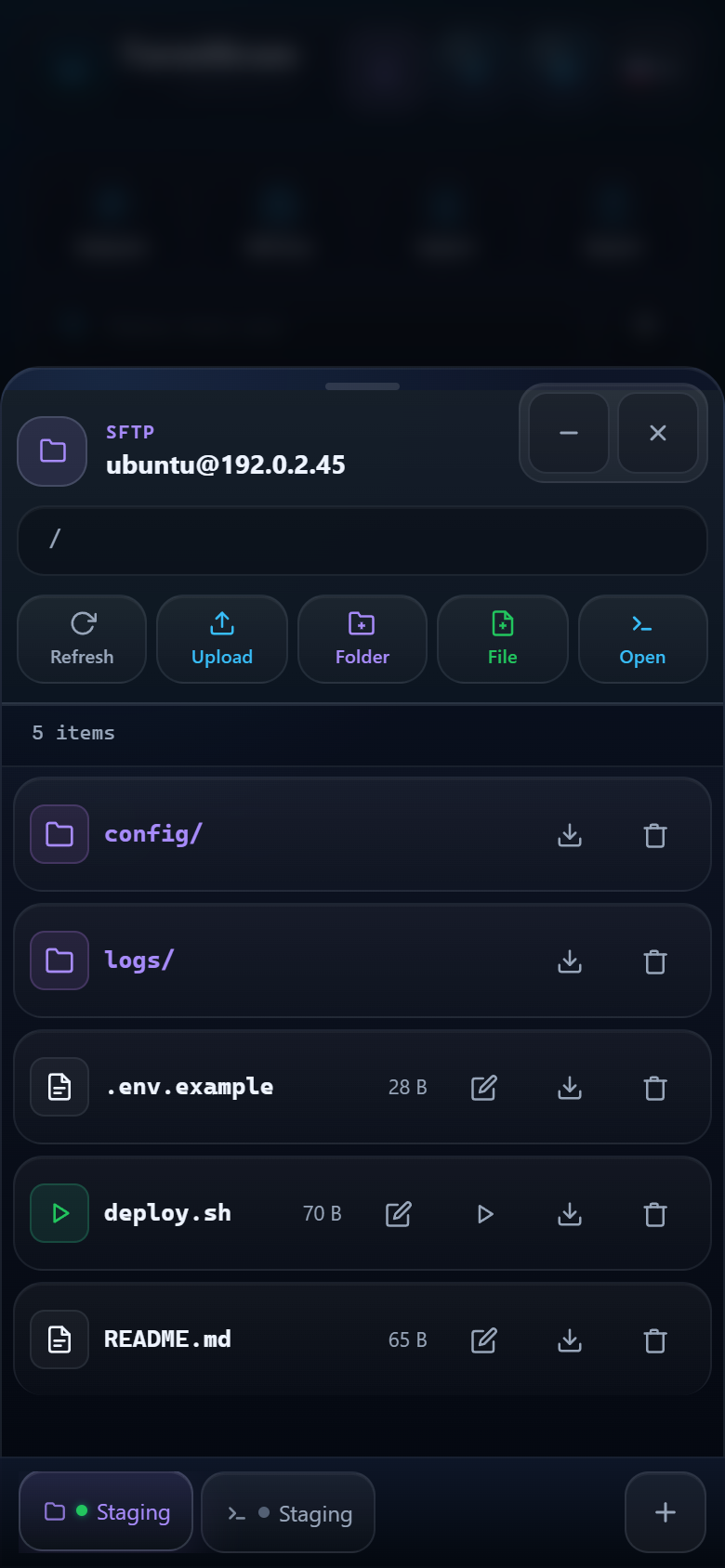
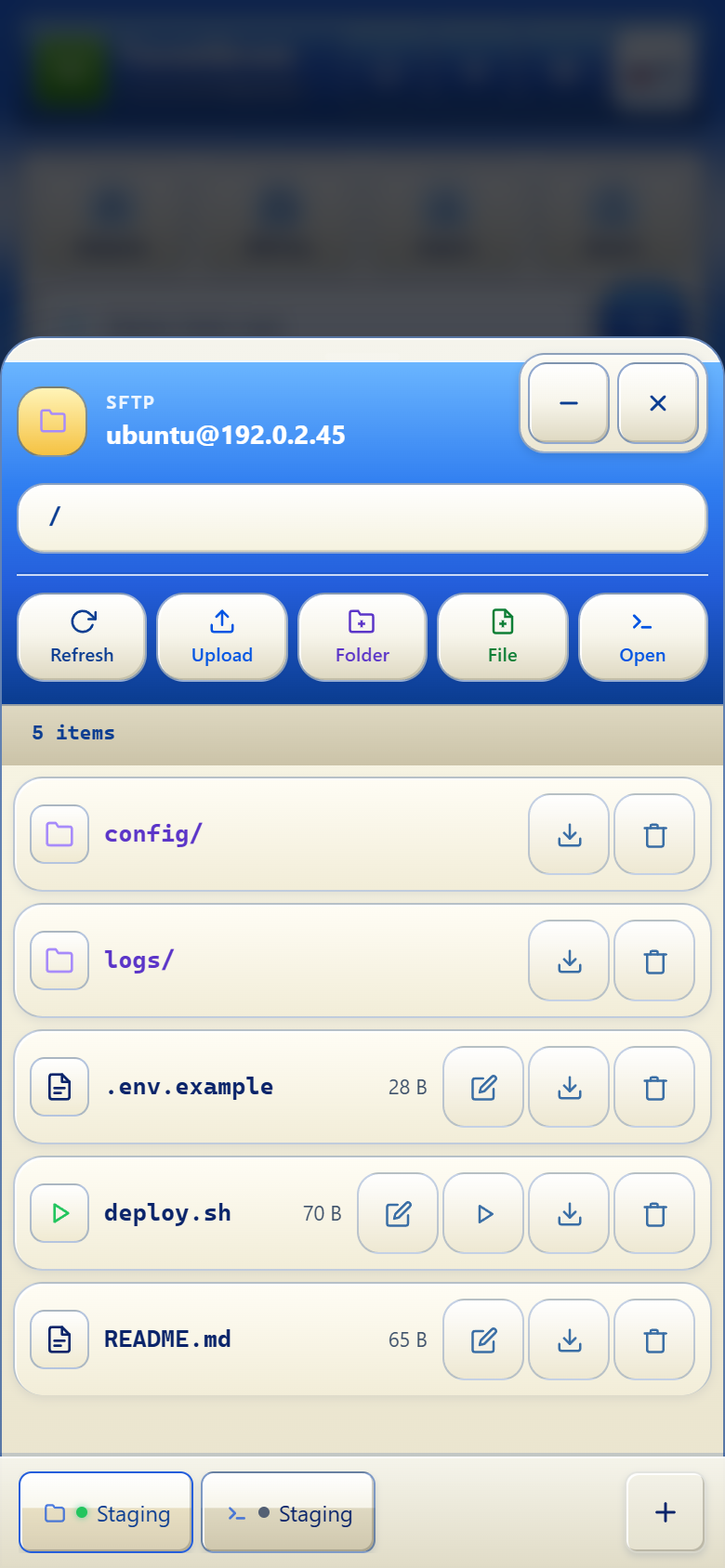
Open as many Terminal and SFTP windows as your current work requires. TermiGram does not impose a fixed interface limit, although every active connection consumes device, network, and server resources.
- Tap a Terminal or SFTP tab in the bottom bar to bring that window forward.
- Use the minimize control to keep a window available without covering your workspace, then tap its tab to restore it.
- Drag tabs horizontally to arrange Terminal and SFTP windows in one useful order. On touch devices, start with a horizontal drag or a short hold when needed.
- Close completed sessions instead of leaving unused connections active.
Session controls
- Change terminal font size or use fullscreen when more space is needed.
- Open SFTP for the same server without returning to the profile list.
- Use clipboard and selection controls instead of relying only on long-press behavior.
- Keep separate Terminal windows for different servers, accounts, or tasks.
Mobile keys
The compact key row exposes common terminal controls such as Esc, Tab, arrows, Ctrl, |, and ~. They send terminal input; they are not decorative shortcuts.
Command snippets
Open the snippets panel to send a saved command to the active terminal. Review the command before running it, especially when a snippet contains variables, paths, or service names.
Long-running commands
TermiGram can use Telegram notifications to bring attention back to a long-running task. A notification does not prove that the command succeeded; return to the session and read the exit output.
Connection states
If a session disconnects, check server reachability and authentication before reconnecting. A terminal tab cannot keep a process alive if the server itself terminates that process when the SSH session closes. Use server-side tools such as tmux, screen, or a service manager for work that must survive a disconnect.
Treat the terminal as production access
TermiGram sends the commands you enter to the selected server. Confirm the profile label and prompt before running destructive or privileged commands.